
If you're a lawyer looking to grow your practice, you've probably considered Facebook advertising.
After all, with billions of active users, the platform represents an enormous opportunity to connect with potential clients.
But there's a challenge: Facebook's advertising platform wasn't designed with law firms in mind.
Between business manager accounts, pixels, campaign structures, and targeting options, the technical complexity can feel overwhelming—especially when you're already juggling client work and running your practice.
The Cost of Getting Facebook Ads Wrong
The stakes are high. Without proper setup and strategy, you risk:- Wasting thousands of marketing dollars on poorly targeted campaigns
- Attracting the wrong type of leads who drain your time and resources
- Falling behind competitors who are effectively leveraging these platforms
- Investing countless hours trying to understand a platform that changes constantly
- Feeling frustrated as your marketing budget disappears with minimal return
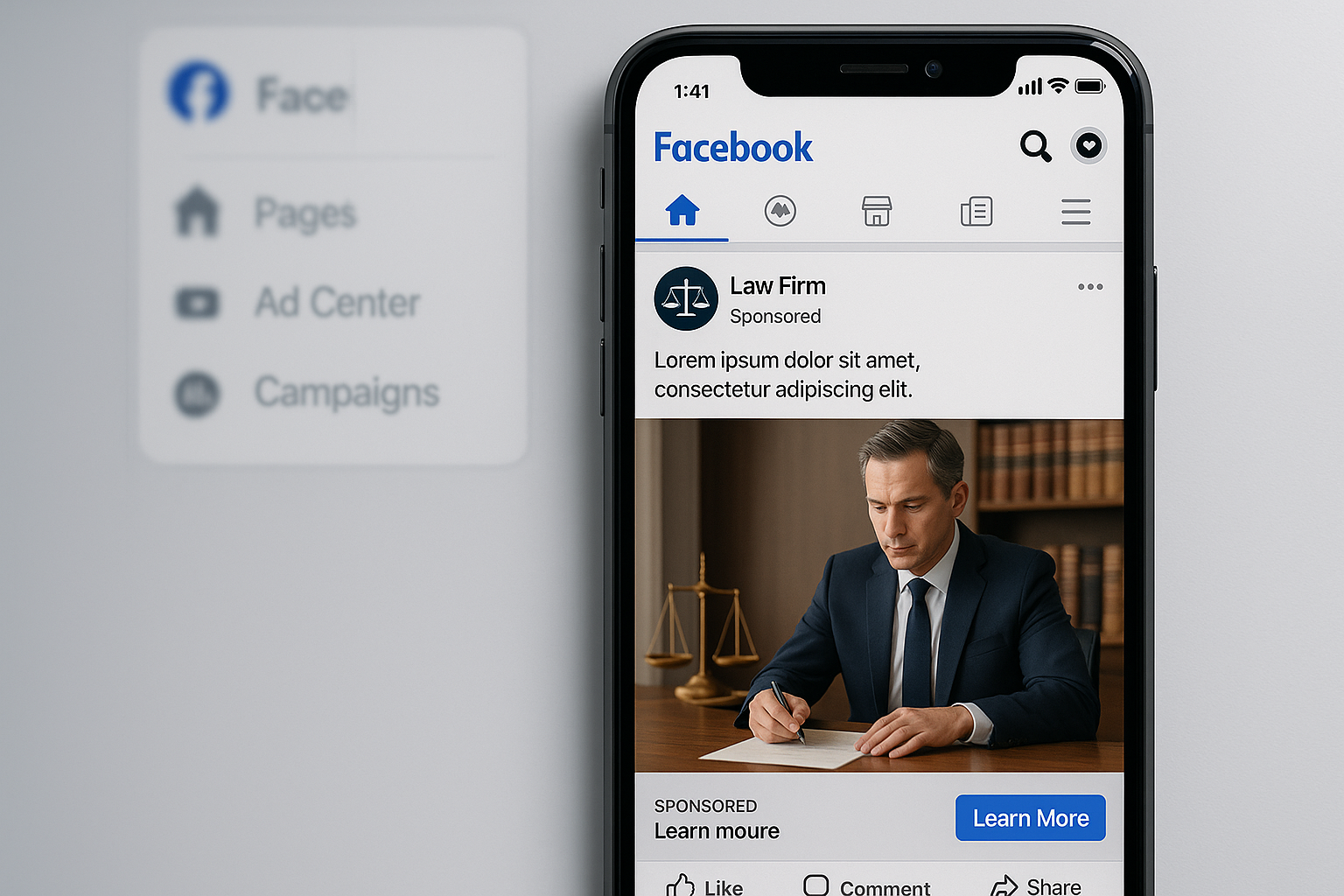
This comprehensive guide will walk you through setting up and managing Facebook ad campaigns specifically for your law practice.
Whether you plan to manage campaigns yourself, have your marketing team handle them, or hire an agency, this guide will give you the understanding you need to make informed decisions.
Let's dive in.
1. Set Up Your Business Manager and Facebook Ads Account
Before running any ads, you need to establish the proper account structure.Business Manager Account Setup
Your Business Manager account is the top-level entity that houses all your Facebook marketing assets. Here's how to set it up:- Create a Business Manager account if you don't have one already by going to business.facebook.com
- Create an ad account within your Business Manager (you can have multiple ad accounts if needed)
- Connect your law firm's Facebook and Instagram pages to your Business Manager
- Add a payment method (a credit card is recommended to earn points on your ad spend)
- Set up your Facebook pixel - this is the tracking code that allows you to remarket to website visitors and track conversions

Understanding Facebook Ads Campaign Structure
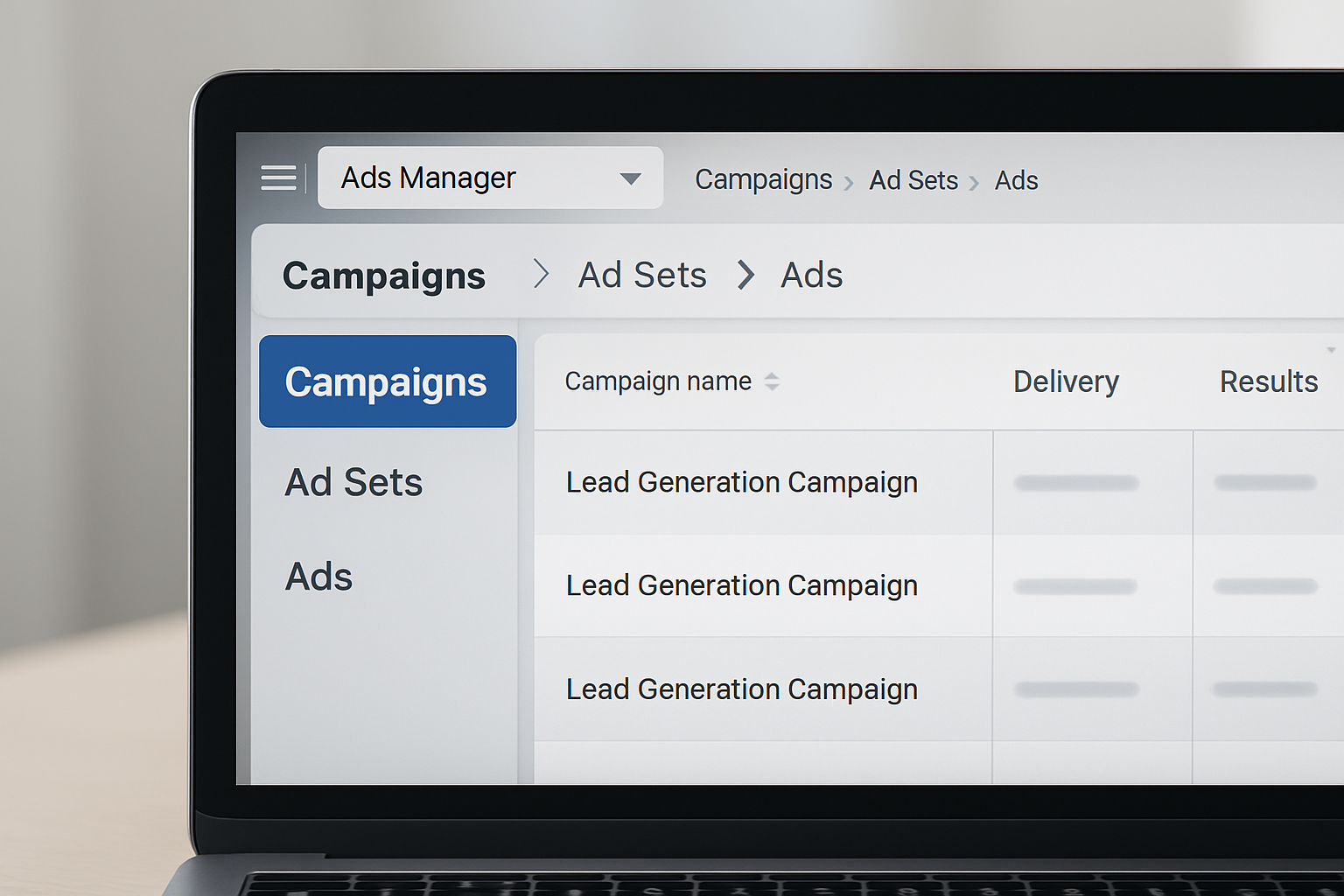
Facebook's campaign structure has three levels, each serving a specific purpose:1. Campaign Level - This is the top level where you define your main objective (typically lead generation for law firms) and organize by practice area or client problem
2. Ad Set Level - This middle level is where you define:
- Your audience targeting
- Your budget allocation
- Placement options (where your ads will show)
- Images or videos
- Ad copy (headlines and descriptions)
- Call-to-action buttons
2. Create Your First Facebook Ad Campaign
Now that you understand the foundation, let's create your first campaign.Setting Campaign Objectives
- Navigate to your Ads Manager and click Create
- Select Leads as your campaign objective (this is the most effective for law firms)
- Name your campaign based on the practice area or client problem you're targeting (e.g., "Trucking Accident - Workplace Issues")
- Leave special ad category settings unchanged unless you're running political ads

Campaign Budget Setup
For your initial campaigns, start with a testing budget:- Testing phase: $20-$50 per day
- Scaling phase: $200-$1,000 per day for campaigns that prove successful
3. Create The Ad Set For Your Campaign
The ad set level is where you define who will see your ads and how much you'll spend to reach them.Geographic Targeting
- Select the locations where you're licensed to practice
- For local practices, use radius targeting around your office (typically 10-25 miles depending on population density)
- Consider the demographics of different areas in your city (language preferences, income levels, etc.)

Custom Audience Strategies
Facebook offers powerful audience targeting options specifically valuable for law firms:- Website Traffic Audiences - Target people who have visited your website (requires your pixel to be installed)
- Customer List Audiences - Upload client email lists from your CRM
- Video Viewer Audiences - Target people who have watched your video content
- Lookalike Audiences - Find people similar to your existing clients

Detailed Targeting Options
For practice-specific targeting, you can use detailed demographic and interest options:For trucking accident cases:
- Target truck drivers
- Target people interested in commercial vehicles
- Include related occupations
- Target construction workers and related professions
- Include interest categories related to physical labor

Audience Exclusions
To improve your campaign efficiency:- Create a custom audience of people who have already contacted your firm
- Exclude people who submitted leads but weren't qualified
- Exclude irrelevant geographies or demographics
4. Create The Ads For Your Facebook Campaign
At the ad level, you'll create the actual ad content people will see.Ad Format Selection
- Single Image or Video - This is the most common format (95% of ads)
- Carousel - Multiple scrollable images or videos in one ad
- Collection - Mobile-optimized format showcasing multiple items

Ad Elements
Each ad consists of several key components:- Primary Text - The main body of your ad
- Headline - The most prominent text (keep it benefit-focused)
- Description - Additional supporting text
- Call-to-Action Button - Choose "Contact Us" or "Learn More" for most legal campaigns
- Destination URL - Your landing page where leads will be directed

Creative Testing Strategy
The key to Facebook advertising success is testing multiple variations:- Create 3-5 different ads within each ad set
- Test different:
- Headlines
- Images or videos
- Primary text approaches
- Call-to-action buttons
Expert Tip: Vertical video content (9:16 aspect ratio) typically performs better than horizontal, as most users view Facebook on mobile devices.
5. Launch, Test And OptimizeCampaigns
Running successful Facebook campaigns requires ongoing management.Performance Monitoring
The most important metric for law firms is cost per result - specifically:- Cost per lead
- Cost per consultation
- Cost per qualified client

Optimization Process
- Daily checks - Review campaign performance briefly each day
- Weekly optimizations - Make adjustments to targeting and budget
- Bi-weekly creative refreshes - Add new ad variations to prevent ad fatigue
- Monthly strategy reviews - Evaluate overall campaign performance and adjust strategy
Campaign Structure Examples for Common Practice Areas
Personal Injury Campaign Structure Example
Campaign Level: Trucking AccidentsAd Set Level:
- Ad Set 1: Website Visitors (Remarketing) - $10/day
- Ad Set 2: Cold Audience - Truck Drivers - $50/day
- Ad Set 3: Lookalike Audience - $30/day
- Ad 1: Video testimonial from truck driver client
- Ad 2: Attorney explaining common insurance issues
- Ad 3: Free case evaluation offer with form
- Ad 4: Statistics on settlement amounts
- Ad 5: "Do's and Don'ts" after an accident

Family Law Campaign Structure Example
Campaign Level: Divorce RepresentationAd Set Level:
- Ad Set 1: Previous Website Visitors - $15/day
- Ad Set 2: Parents 30-55 in your city - $40/day
- Ad Set 3: Custom Audience from Divorce Support Groups - $25/day
- Ad 1: Video on protecting your children during divorce
- Ad 2: Free divorce planning guide offer
- Ad 3: Attorney explaining property division laws
- Ad 4: Client testimonial (anonymized)
- Ad 5: FAQ video addressing top divorce concerns
The Outcome: A Steady Stream of Qualified Legal Clients
When implemented correctly, this Facebook ads strategy delivers:- Consistent lead generation - A predictable flow of potential clients
- Better lead quality - Targeted campaigns that attract your ideal clients
- Reduced cost per acquisition - Optimized campaigns that deliver better ROI over time
- Scalable growth - A system you can expand as your practice grows
- Competitive advantage - Sophisticated marketing that sets you apart from competitors
Key Considerations
While this guide gives you the foundation to set up Facebook ads for your law firm, remember:- Time commitment - Proper campaign management is time-consuming
- Expertise required - The platform changes frequently and requires ongoing learning
- Testing budget - Expect to invest in testing before achieving optimal results
Your Next Steps
Ready to implement Facebook ads for your law practice?- Set up your Business Manager account and connect your pages
- Install your Facebook pixel on your website
- Create your first campaign following the structure outlined above
- Start with a conservative testing budget of $20-50 per day
- Monitor and optimize based on performance data
Disclaimer: Results may vary based on practice area, location, and market competition. All advertising must comply with state bar regulations for legal advertising in your jurisdiction.